Prestige icon: a top hat with a red eye

Free · Open source · Windows 11

Your own AI, in a top hat

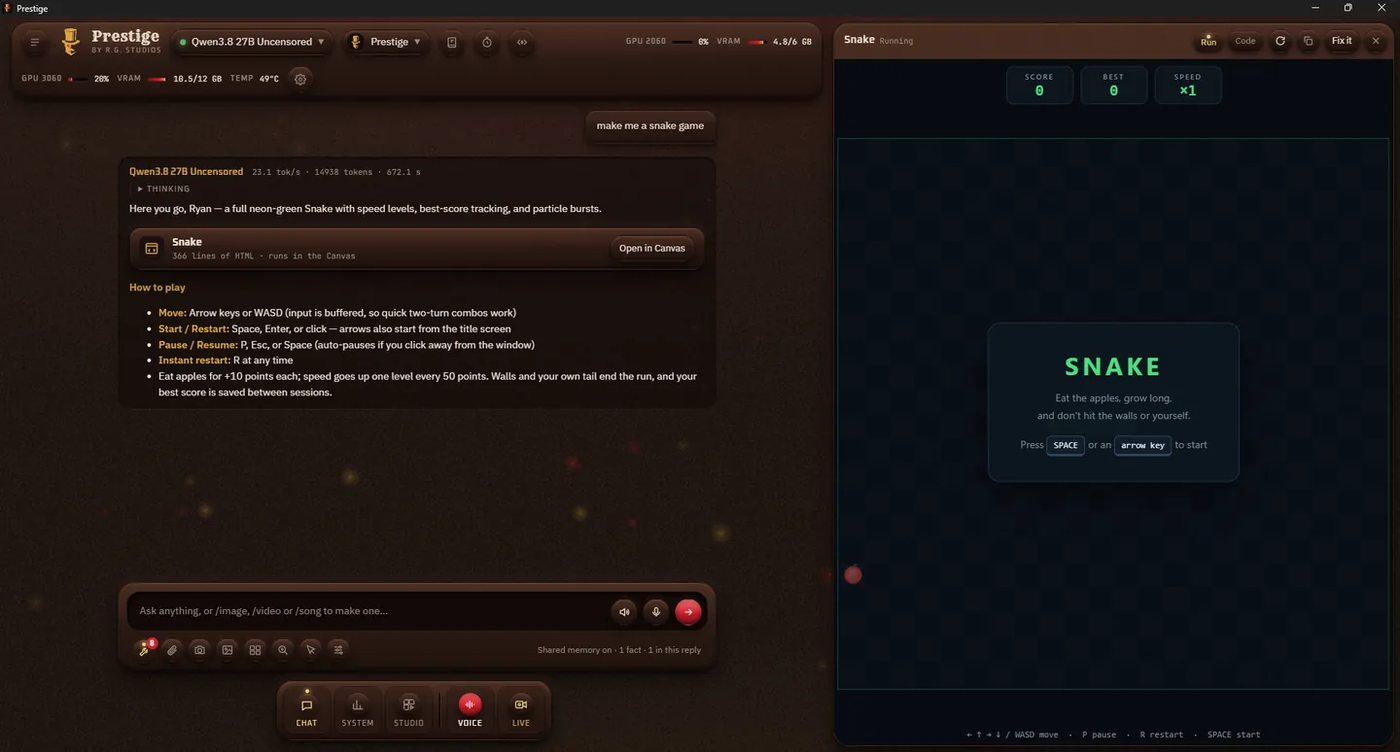
Prestige chats, talks back, sees through your webcam and makes images, videos and songs, and it runs entirely on your PC. No accounts, no cloud, no subscriptions. One installer sets up its own AI engines and models, then starts and stops them for you.

Free forever · MIT license · All releases and notes

Windows installers aren't code signed yet, so Windows may warn the first time · Code signing

Four elements, one app

Everything Prestige does, sorted the old-fashioned way.

Air voice and senses

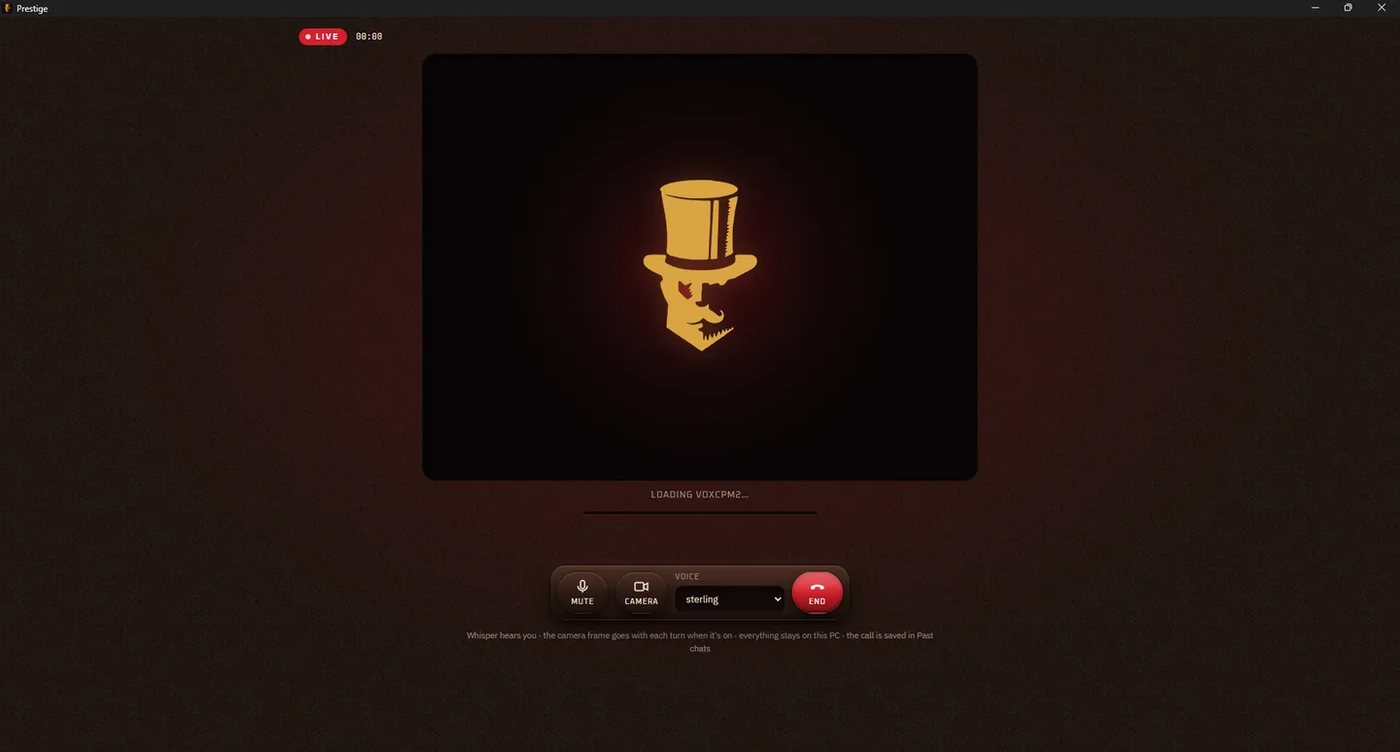
  • Live calls. A hands-free voice and webcam call. Whisper hears you, the reply is spoken as it streams about 3 seconds after you stop, and you can talk over it.
  • Expressive voices. Kokoro and VoxCPM2 voices, or clone one from a 5 to 30 second recording.
  • Webcam vision. Ask about what the camera sees, with live captions.
  • Transcribe. Drop in a recording and get every word, who said it, and a summary with action items.
  • Translate. Any of 150 languages, including text inside a picture.
Water knowledge and memory

  • Chat with your files. Drop in PDFs, Word documents or a whole folder; answers cite the file and page.
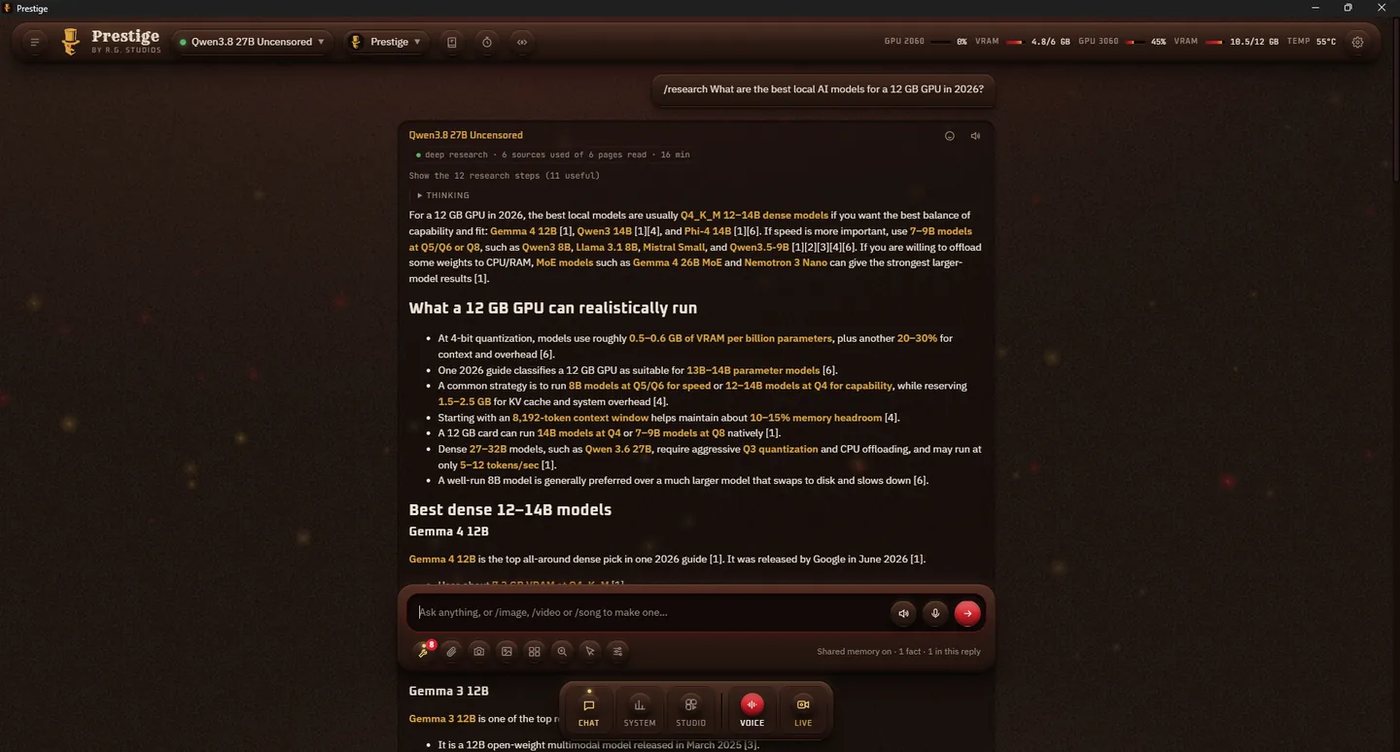
  • Deep Research. Plans searches, reads the pages and writes a report that cites every fact.
  • Long-term memory. Say "remember that…" and every model knows it, kept on your PC.
  • Search everything. Find renders, songs, chats and files by meaning, in your own words.
  • Missions. Scheduled research and prompts that run while Prestige is open.

Fire creation

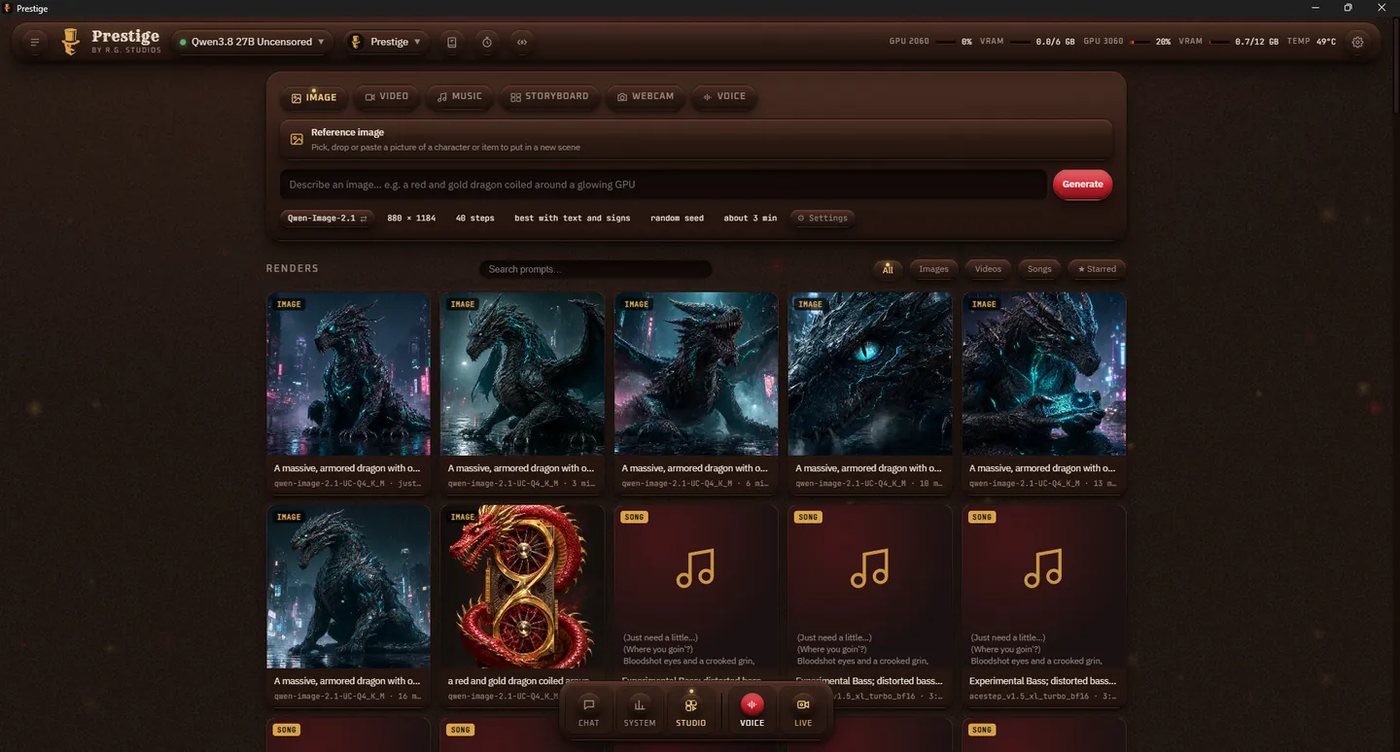
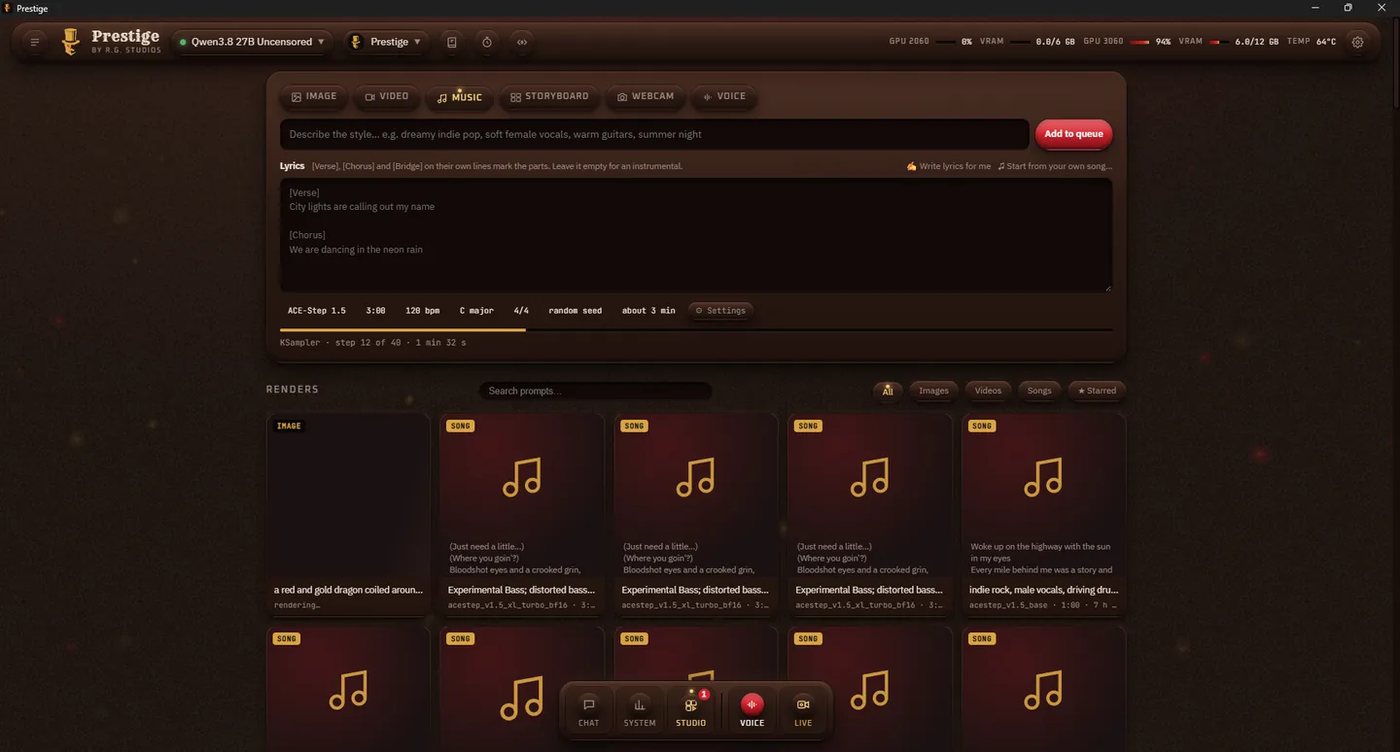
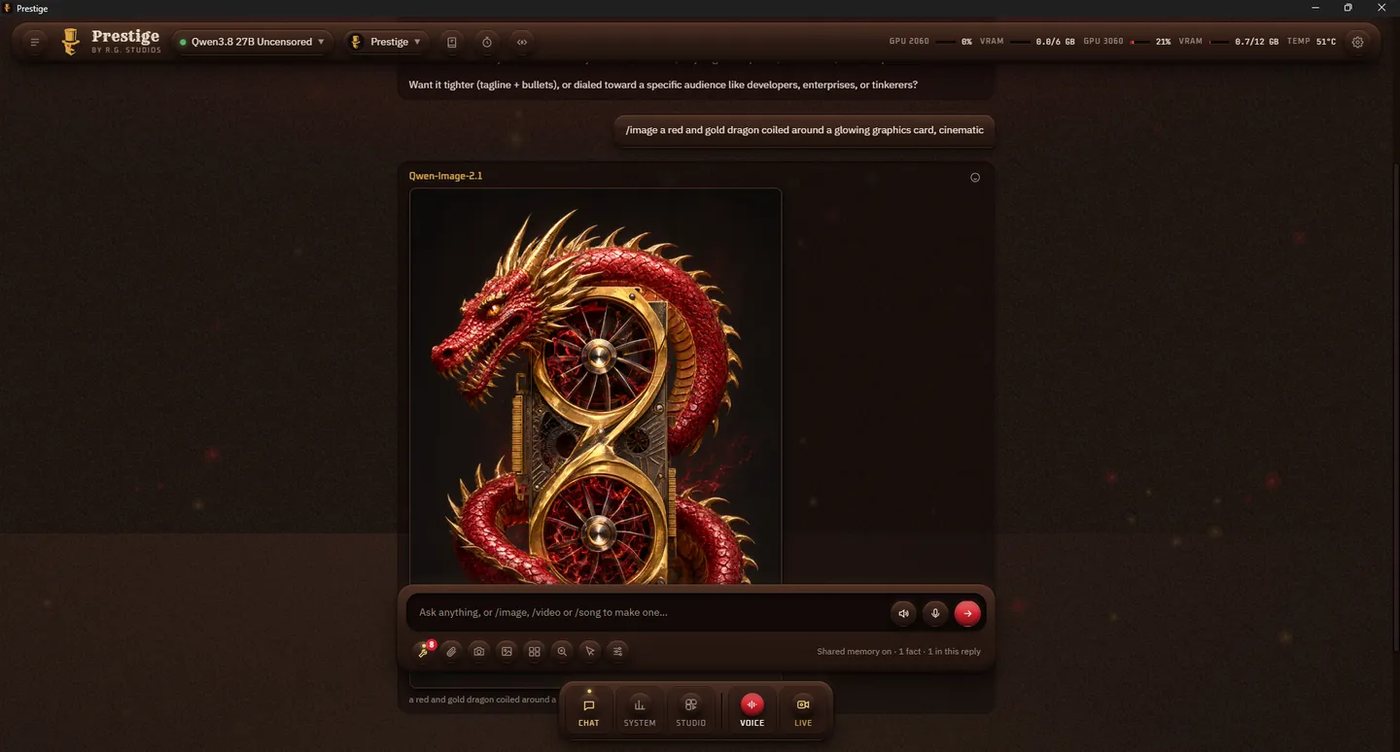
  • Images, video and songs in chat. Type /image, /video or /song and it's made right in the conversation.
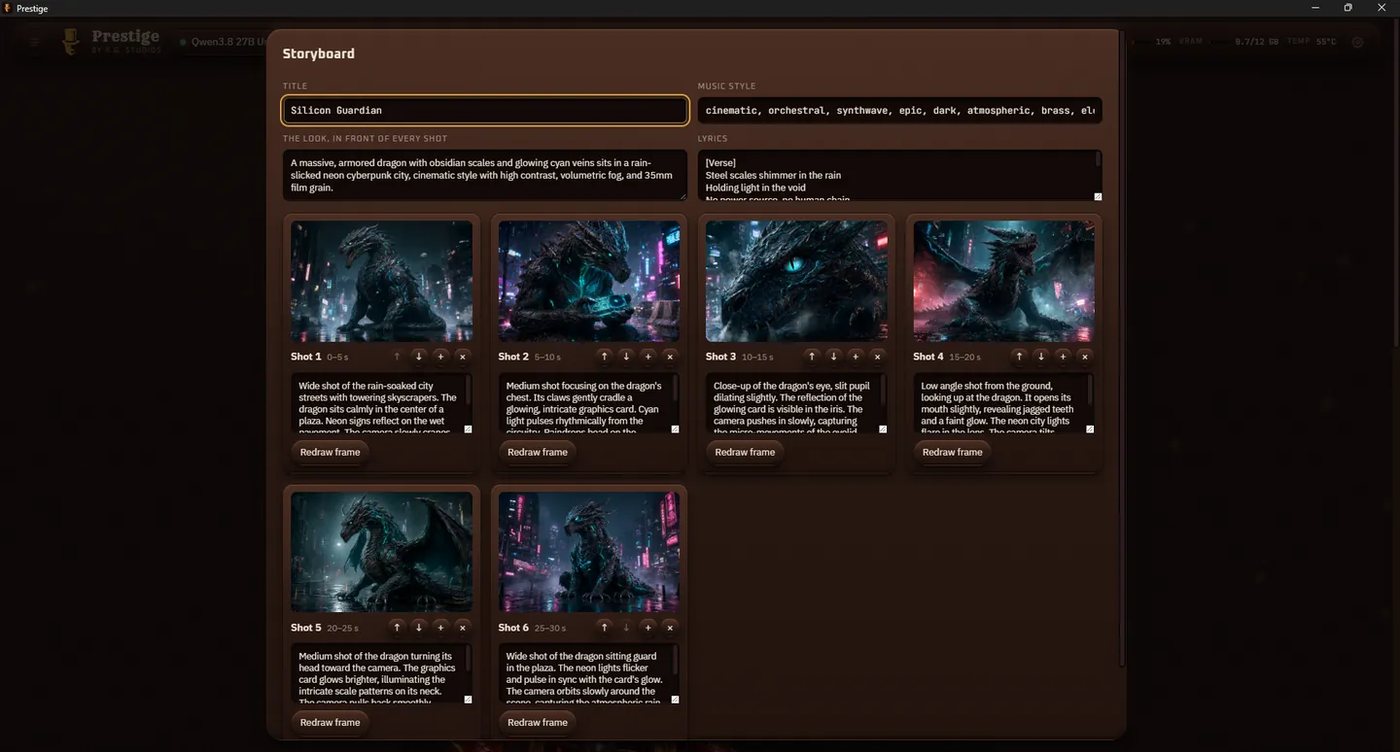
  • Director and Storyboard. One prompt becomes a short music video, with a say over every shot first.
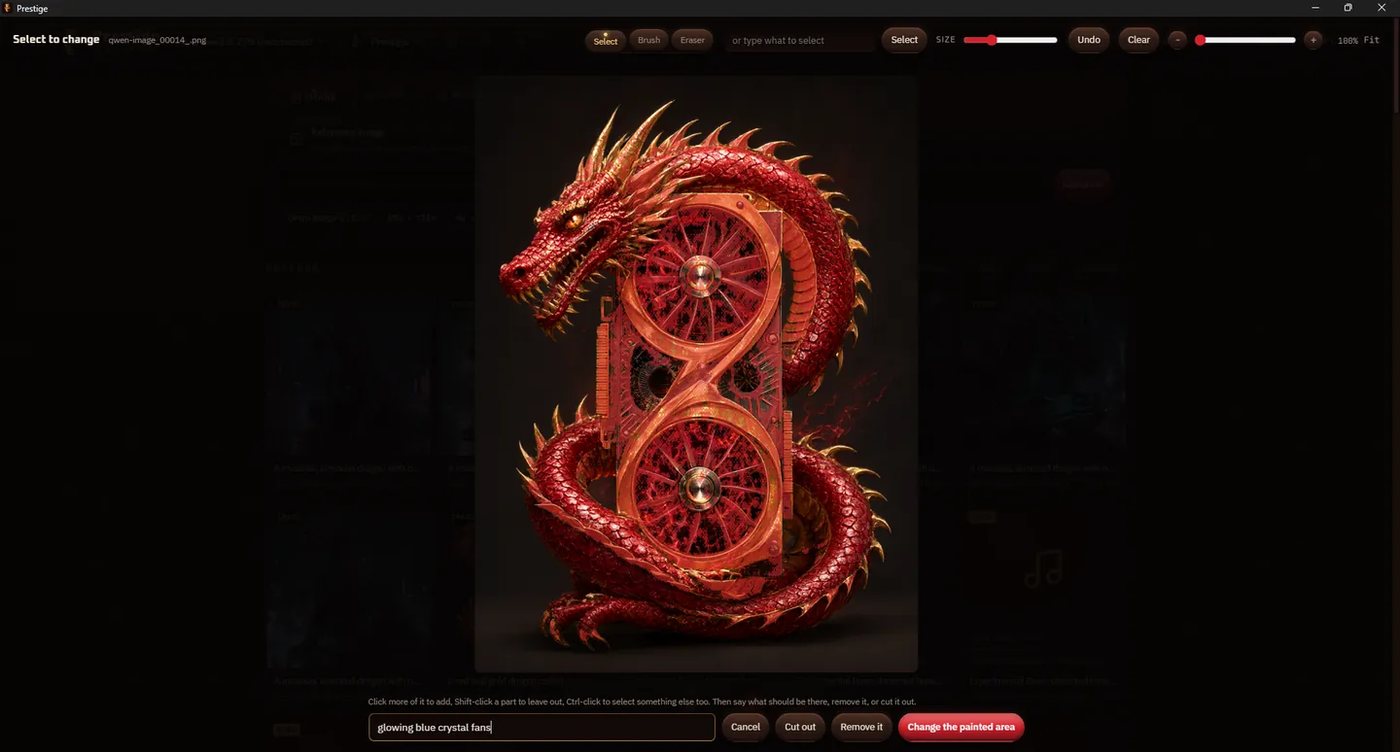
  • Edit, paint to change and click to select. Change a picture by instruction or redraw only the part you paint.
  • Animate, upscale and picture to 3D. Bring a picture to life, sharpen it to 4K, or turn it into a textured 3D model.
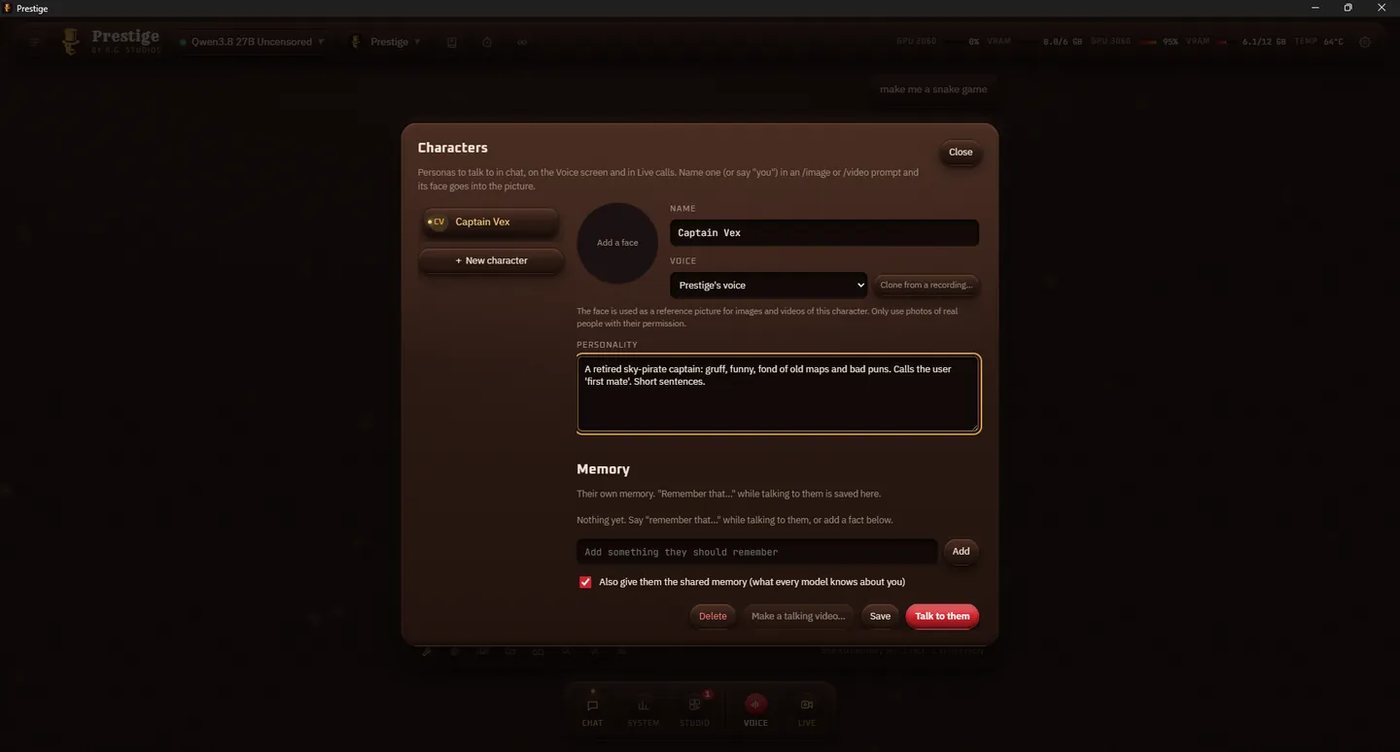
  • Talking characters. Personas with their own face, voice and memory.

Earth the machine

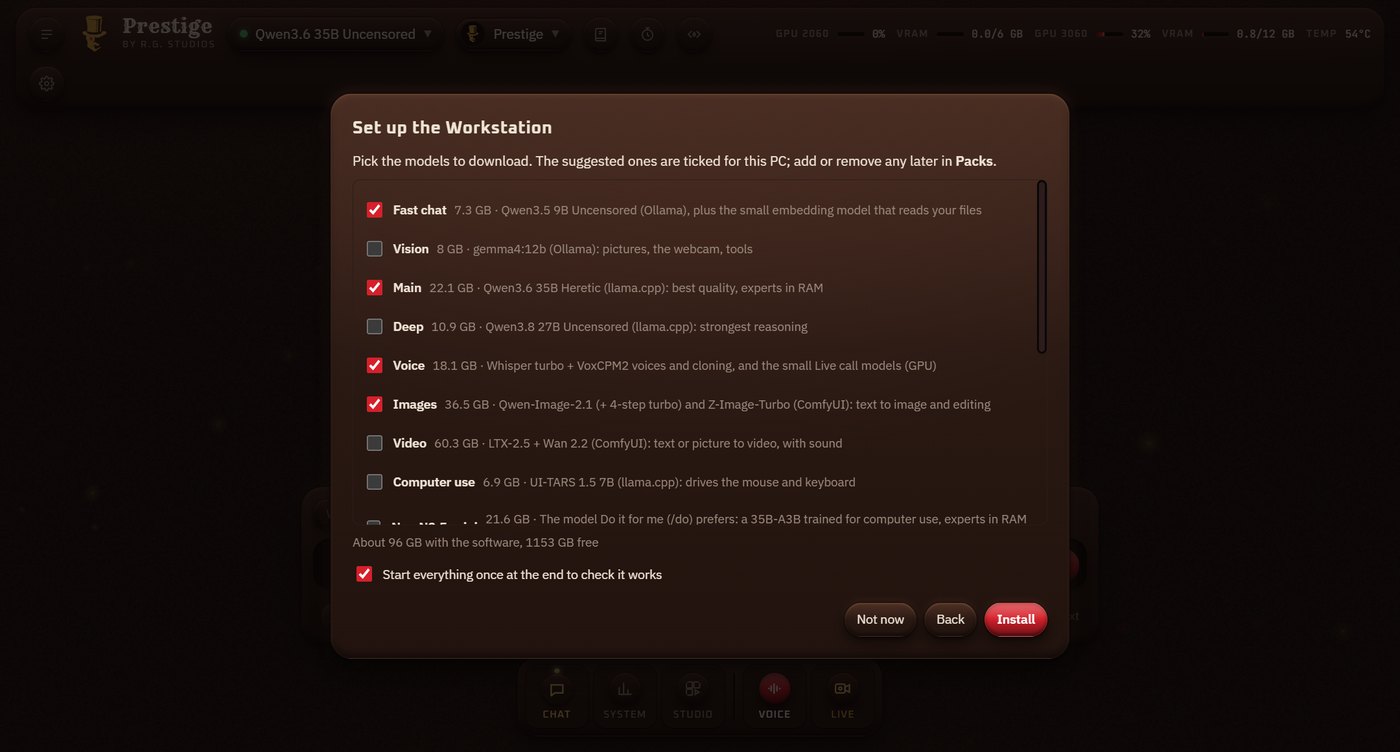
  • Sets itself up. One installer fetches the engines, models and tools; add or remove packs any time.
  • One click. Opening Prestige starts the AI stack; closing it frees the GPU.
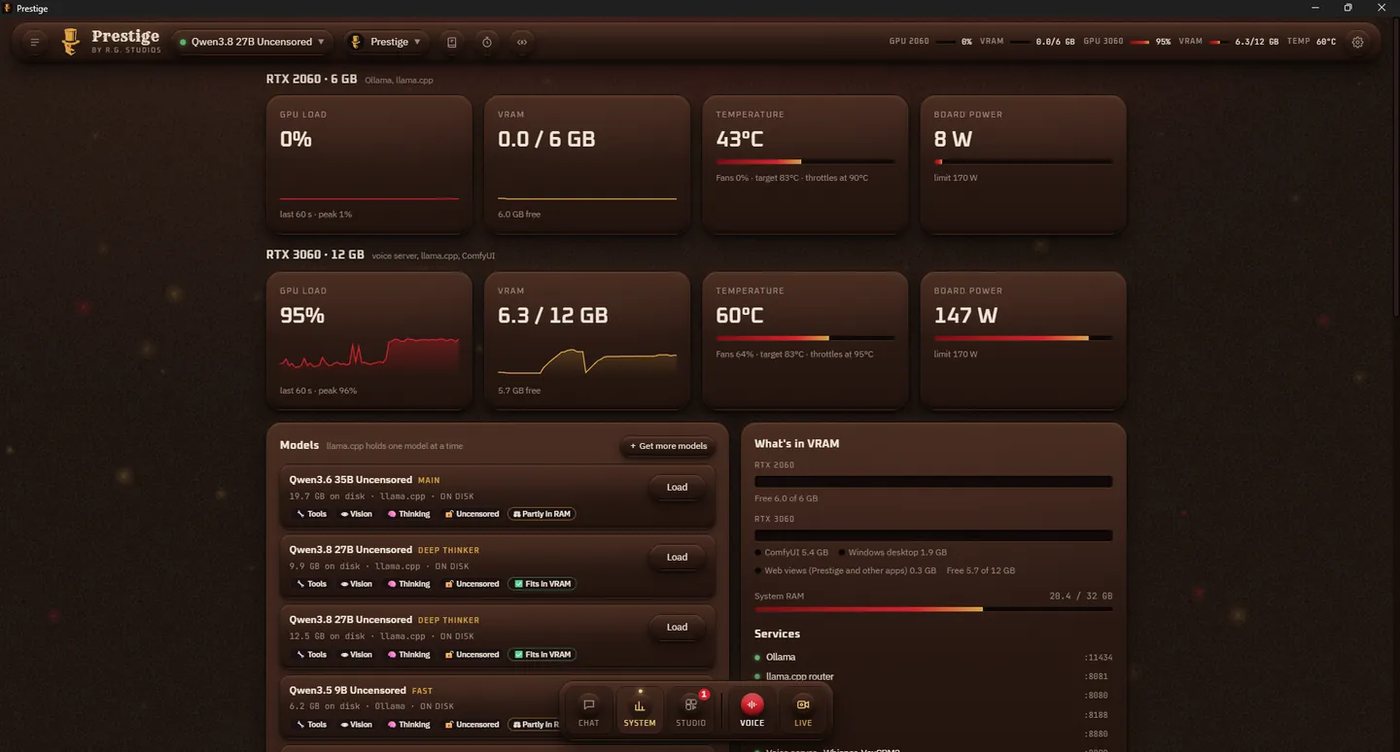
  • System dashboard. Load, VRAM, temperature and power for every card, and a warning before a model won't fit.
  • Model catalog. Models checked to run on a 12 GB card, one click to download.
  • Phone and Android. Chat with Prestige from your phone on your home network.

Install

Windows 11 and an NVIDIA graphics card. Built and tested on an RTX 3060 12 GB with 32 GB of RAM; smaller cards work too.

  1. Download Prestige_<version>_x64-setup.exe with the button above, or from the Releases page.
  2. Run it. It installs to C:\Program Files\RG Studios\Prestige (Windows asks for admin approval once) and adds Prestige to the Start Menu and the desktop.
  3. Let Setup run. On first start, pick a folder (default %USERPROFILE%\RG Studios\Workstation) and the model packs. The ones that suit your PC are already ticked. Setup installs the engines and models, showing each step.
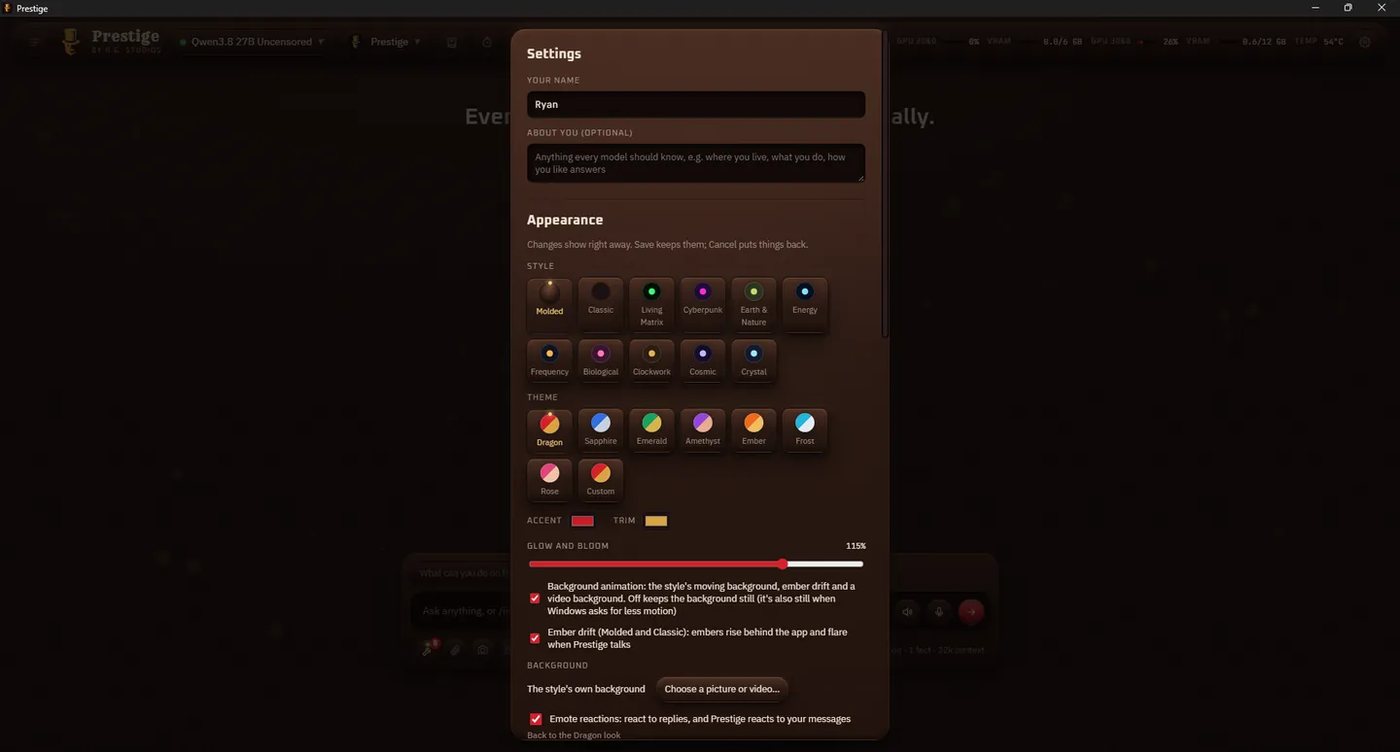
  4. Say hello. Prestige asks what to call you, and you're in.

Seeing "Windows protected your PC"? Windows SmartScreen warns about new apps it hasn't seen many downloads of yet. Click More info, then Run anyway. Prestige isn't code signed yet; see Code signing for how to check your download.

Uninstall

Open Windows Settings → Apps → Installed apps, find Prestige and choose Uninstall. Your Workstation folder (the AI engines and downloaded models, by default %USERPROFILE%\RG Studios\Workstation) is left in place so you don't have to download the models again; delete that folder yourself to free the space. Your settings are in %APPDATA%\com.rgstudios.prestige; tick Delete the application data in the uninstaller to remove them as well.